Log In to Your godsattamatka Account
Your godsattamatka account brings Live Roulette, Kabaddi Crash, Razor Shark and the full sportsbook into one dashboard — log in now to pick up exactly where you left…
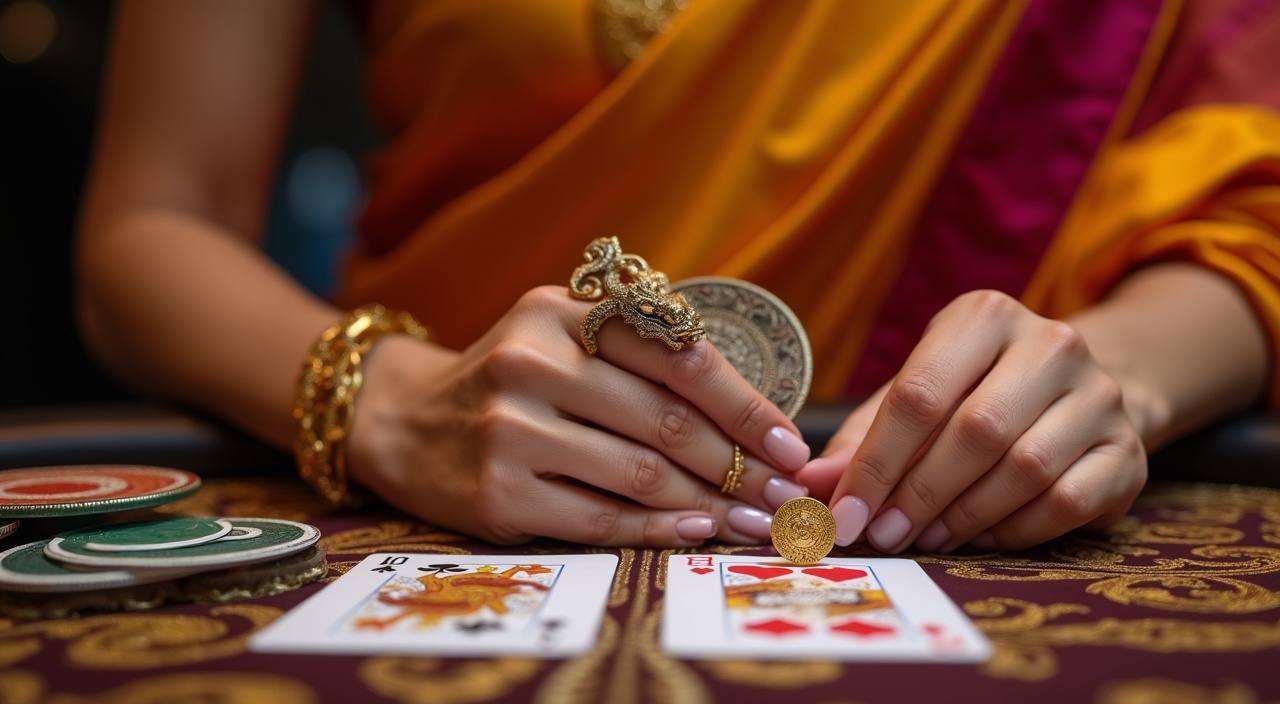
What Happens When You Log In
Enter the mobile number or email you registered with, type your password, and you land straight inside the lobby — no extra redirects. If this is your first time, creating an account takes under two minutes: fill in your details, verify your number with a one-time code, and your account is active. We keep the
login form short so you spend your time in the lobby, not on a form page. Password reset via OTP is available on the same screen if you ever need it.
-
Fast Verified Sign-Up Mobile OTP verification means your account is confirmed and ready in seconds — no waiting for email approval or manual checks before you can access the lobby.
-
Encrypted and Secure Session Every login request travels over TLS encryption. Your credentials and session token are never stored in plain text, keeping your account safe from unauthorised access.
-
Instant Lobby Access The moment you log in, your full lobby opens: Live Roulette tables, Razor Shark slots, Football Strike, Fishing God and every other title you have previously explored.
-
Round-the-Clock Help Desk If your login stalls or your OTP does not arrive, our support team is reachable any hour of the day to unblock your account and get you back in without delay.
Your details are protected with encrypted, secure access.
Local Payment Methods for Indian Accounts
Once you are logged in, your godsattamatka wallet supports deposits and withdrawals through the payment rails Indians use every day. UPI transfers typically reflect in your wallet in under a minute.
Get Help With Your Login Any Time
Login issues — a forgotten password, an OTP that didn't arrive, or an account that appears locked — can be sorted quickly through any of the three channels below. Our team handles account-specific queries around the clock so your access is never blocked for long.
Live Chat
The live chat button sits at the bottom right of every page including the login screen. Connect with an agent in under two minutes and share your registered number for the fastest resolution of account-access issues.
Email Support
Send a detailed account query to our support address and expect a reply within a few hours. Attach a screenshot of any error message you see on the login page to speed up the diagnosis.
WhatsApp Helpline
Our WhatsApp number handles login-specific requests — OTP issues, password resets, and account unlock requests. Send your registered mobile number and we will walk you through the fix step by step.
How We Protect Your godsattamatka Account
Account security at godsattamatka is built around verifiable, practical measures — not marketing claims.
TLS Data Encryption
All data moving between your device and our servers travels over TLS 1.2 or higher. Login credentials, session tokens and wallet data are encrypted in transit and at rest so nothing is readable in plain text.
OTP Identity Verification
Account creation and password resets require a one-time code sent to your registered mobile number. This confirms that only the person holding that SIM card can activate or recover the account.
Session Timeout Control
Inactive sessions on godsattamatka time out automatically. If you close the browser or walk away from your device, the login session expires so someone else picking up your phone cannot access your account.
Single-Device Login Alert
If a login is attempted from an unrecognised device or location, we flag it and may ask for an additional OTP check. You can see active sessions in your account settings and end any you did not start.
Verified Withdrawal Channel
Withdrawals are sent only to the UPI VPA, Paytm, or PhonePe handle linked during account setup. This prevents funds being redirected to a third-party account even if someone has your login details temporarily.
Data Privacy Controls
Your name, mobile number and payment details are held solely for account operation and are not shared with unrelated third parties. You can request a data summary or account deletion through our support channels.
Frequently Asked Questions About godsattamatka Login
These are the questions we hear most often from people accessing their godsattamatka account for the first time or after a gap. If something is not covered here, live chat can reach an agent in under two minutes.